AI Drone
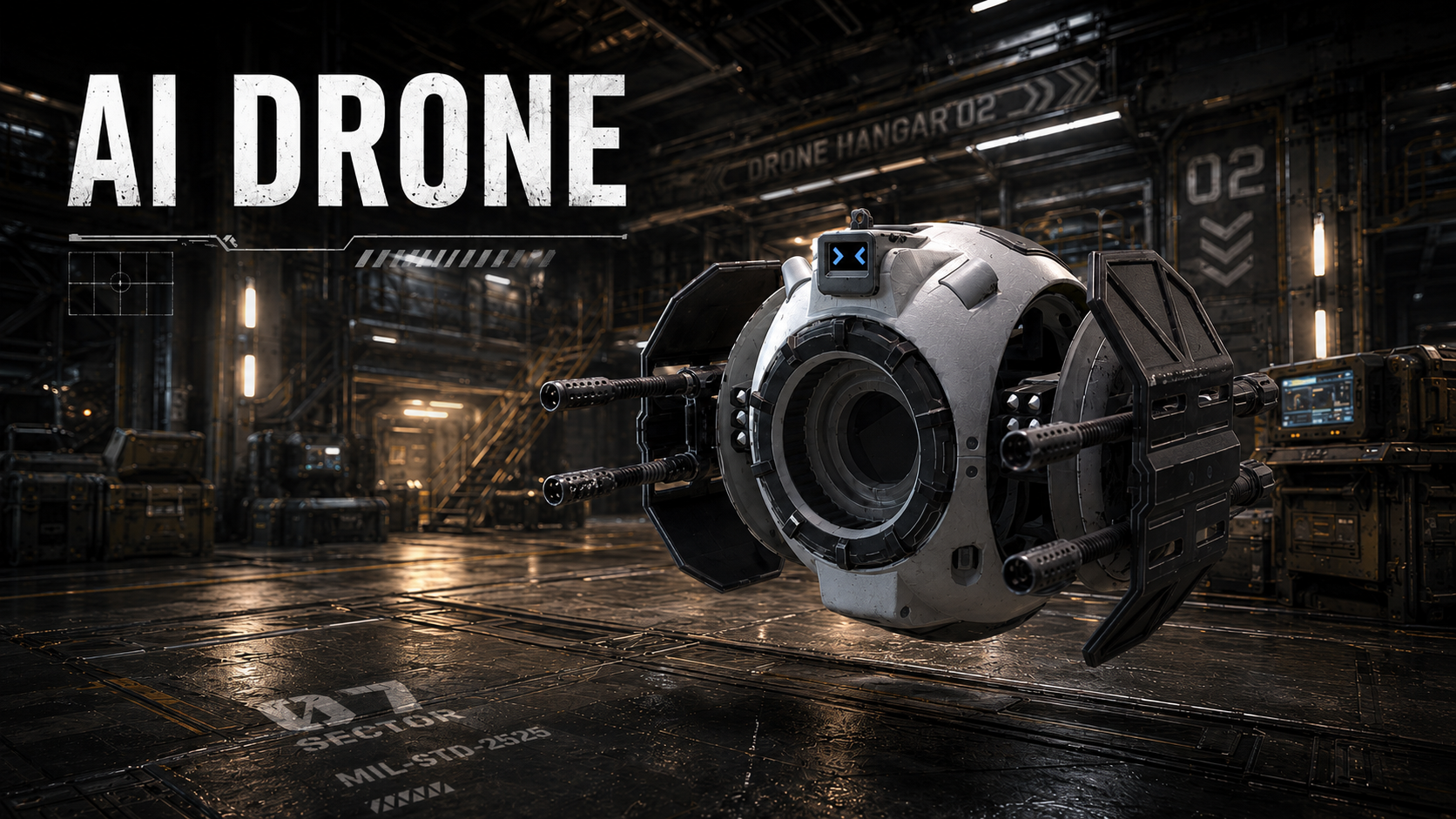
An autonomous patrol & combat drone with true 3D navigation, for Unreal Engine 5.
Welcome to the AI Drone documentation — a Blueprint-only flying-enemy AI built around a fully 3D navigation system, for Unreal Engine 5.
What is it?
Unreal's built-in NavMesh is designed for walking agents on a 2D-ish floor. AI Drone replaces it with a fully 3D, data-based navigation graph so flying enemies can route through open air, around obstacles, over and under geometry — anywhere a volume says they can fit.
It ships as a complete enemy-drone stack: the navigation graph, a reusable movement component, a behavior-tree brain (chase / search / patrol / idle), and authoring tools for patrol paths — all in Blueprints, with no C++ and no plugin dependencies.
Key features
- Drone models included — includes 2 game-ready drone meshes
- True 3D pathfinding — index-based A* over a generated node graph, not a floor mesh
- Bake once, load instantly — graph is baked in-editor into a data asset; no runtime generation spike
- Reusable movement component — inertia, local obstacle avoidance, path smoothing
- Behavior Tree AI — chase, search-last-known, patrol, idle, cleanly separated from the body
- Patrol paths — author patrol routes with a spline + optional hold markers, with a live "does it fit?" preview
- Per-volume density — tune each region inline; dense indoor and sparse outdoor volumes abut and stitch into one graph
- Model-agnostic — works with any static or skeletal mesh; rotor audio + visual banking included
What's in the box
| System | Asset(s) |
|---|---|
| Navigation graph | BP_DroneNavManager, BP_DroneNavVolume, S_DroneNavNodeData |
| Movement | BP_DronePathFollowerComponent |
| Drone pawn + brain | BP_AIDrone (base) + two ready-made drones BP_AIDrone_Aurora / BP_AIDrone_AI41, BP_AIDroneController, BT_AIDrone, BPI_ControllableDrone |
| Patrol authoring | BP_PatrolPath, BP_PatrolHoldMarker |
| Editor tools | EUW_BakeDroneNav widget |
| Example map + UI | L_DroneNav_Demo, BP_DroneDebugControlsComponent |
Requirements
- Unreal Engine 5.4 – 5.8 — tested and verified. Newer versions should normally work out of the box, but aren't tested yet.
- Blueprint only — no coding skills necessary, no external plugins
Next steps
In a hurry? Open the included Example Map and press Play to see the whole system running with zero setup.
To build it into your own game, head to the Quick Start to get a drone flying in a few minutes — it starts by migrating the content into your project (a one-step Unreal Migrate…, which is what most users do first). If you plan to use a custom pawn or resize the collision sphere, also skim Drone Collision Setup.
Want the details? How It Works explains the architecture, and the Blueprint Reference lists each blueprint's key properties and functions.
Additional info
Contains AI-41 Drone model, kindly provided by drcrazzie under CC BY 4.0 terms. Original model adjusted to reduce polycount. The original model can be downloaded here.